Custom Pages are customizable web pages within a Hub that allow you to create tailored content and experiences.
Hushly allows you to build a page from a blank HTML scaffold or an HTML template, customize it using the Page Editor, and publish it using a unique URL path within a Hub.
Key Features
- Create pages from Blank HTML or an HTML template.
- Define a custom URL path for each page.
- Edit pages using the Page Editor in Code, or view them in Preview mode.
- Manage pages from a central Custom Pages list.
- Search, filter, preview, edit, secure, and delete pages.
The Page Editor is used to create, edit, preview, and publish Hub Custom Pages. It provides two modes—Code and Preview—along with formatting controls for page content. Changes are automatically saved as you work. 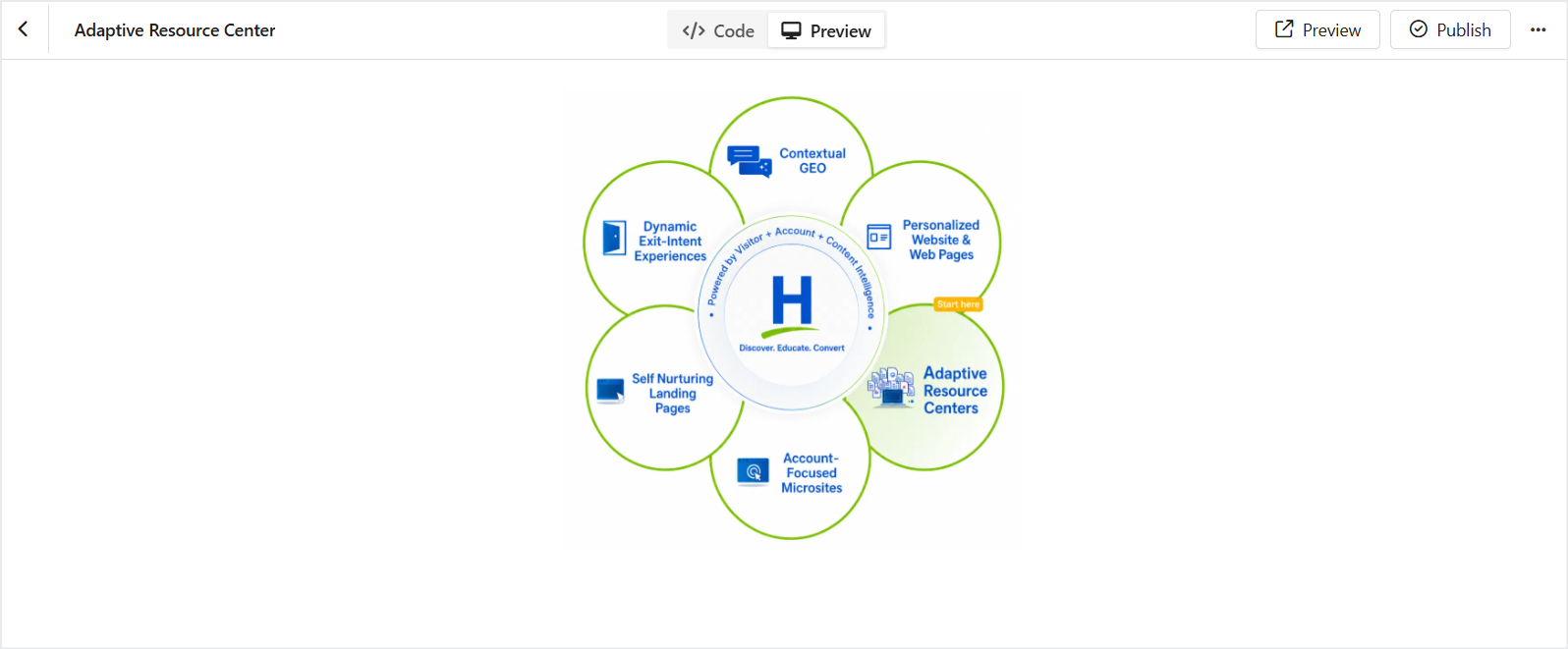
Related Topics:
Was this article helpful?
That’s Great!
Thank you for your feedback
Sorry! We couldn't be helpful
Thank you for your feedback
Feedback sent
We appreciate your effort and will try to fix the article