Hub Streams
A Stream is a curated collection of assets grouped to form a Hub.
Each Stream consists of Assets interconnected through various factors such as content type (video or PDF), industry, solution, topic, role, buyer persona, country, account, and company.
When a Stream is created, it is assigned a unique URL that is automatically linked to the Stream.
Important: To publish a Hub, you must configure at least one Stream in the Hub.
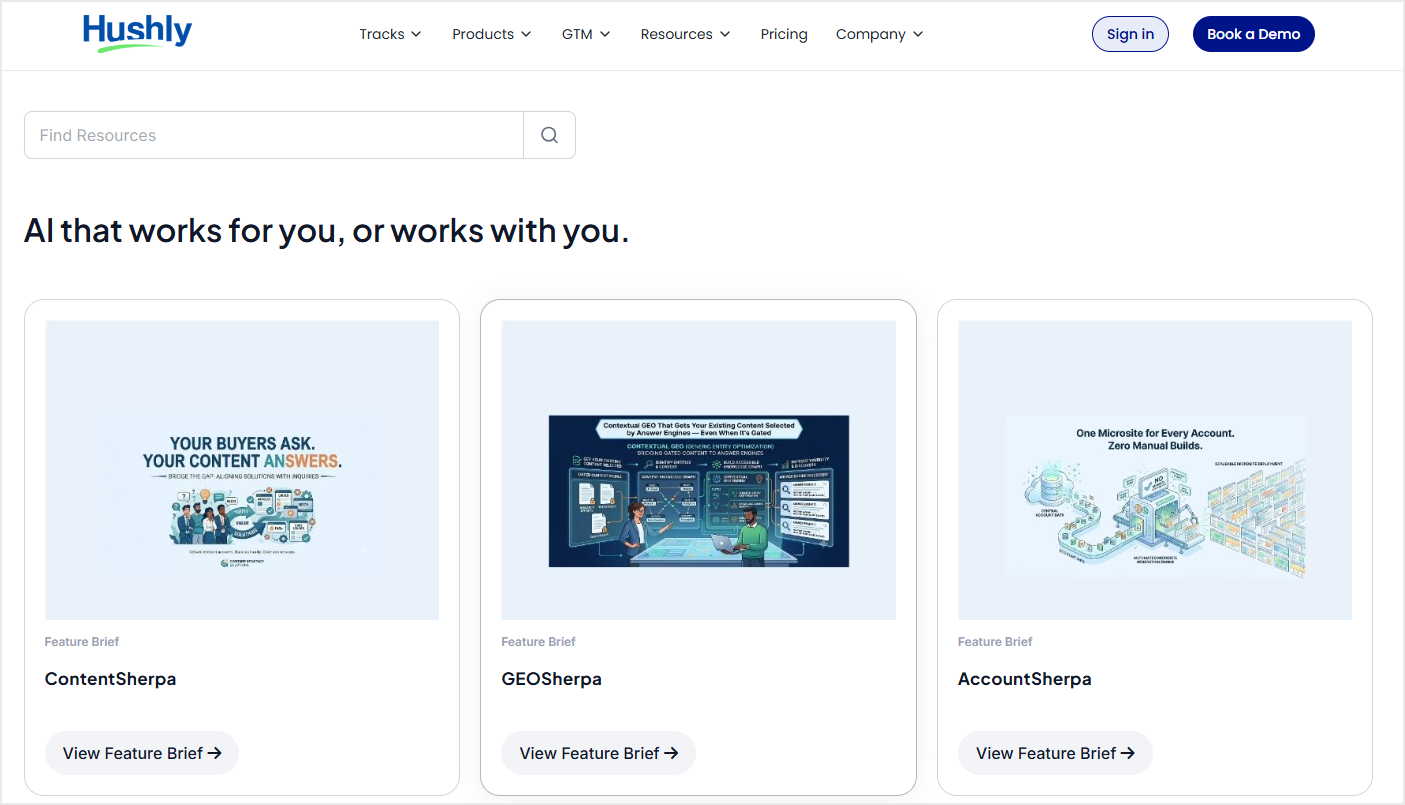
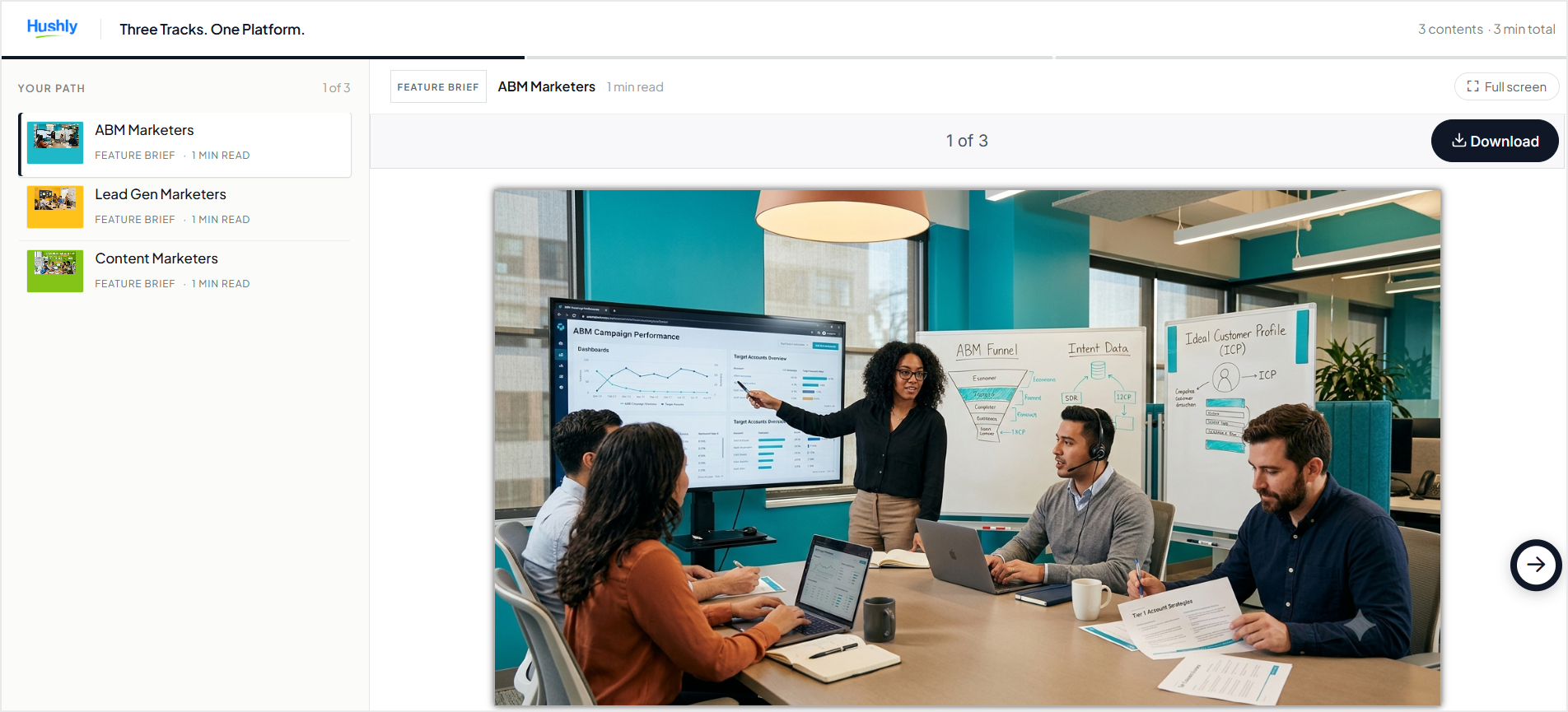
When creating a Stream, you can choose between a Stream and a Content Track, depending on how you want visitors to consume the content.
Stream Explained
A Stream is a browsable page of content that allows visitors to choose what they want to view in any order. This option is suitable when visitors should have the flexibility to explore content based on their interests. Create a Stream.
Content Track Explained
A Content Track provides a guided sequence of content. Visitors move from one piece of content to the next in the order you define. This option is suitable for structured learning paths, onboarding journeys, or other sequential content experiences. Create a Content Track.
Note: The Stream type is set when the Stream is created and cannot be changed later. Other Stream settings can be modified after creation.
Was this article helpful?
That’s Great!
Thank you for your feedback
Sorry! We couldn't be helpful
Thank you for your feedback
Feedback sent
We appreciate your effort and will try to fix the article