To search for a Form, follow the below steps:
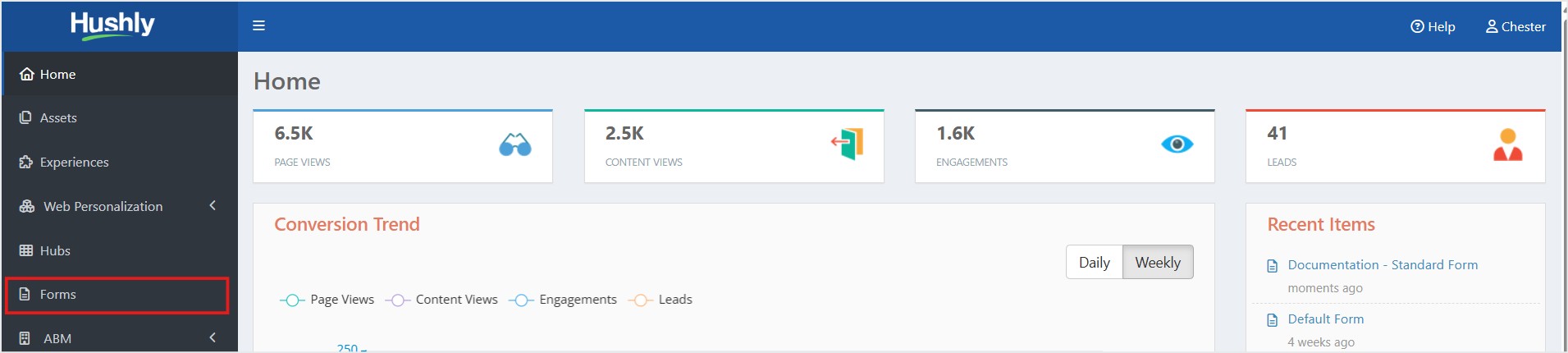
- From the Left Navigation Menu, click Forms.
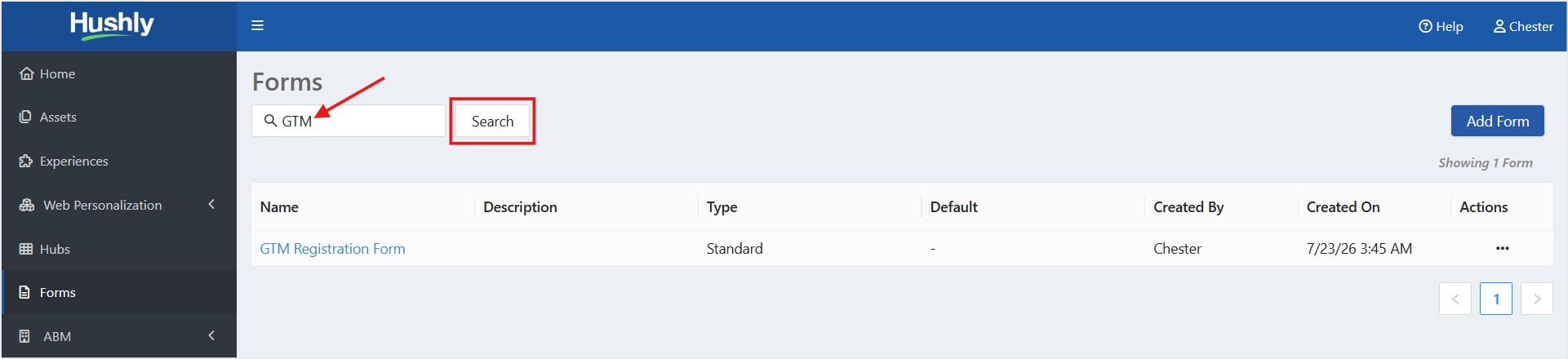
- On the Forms listing page, enter the form name in the search field, and then click Search. The search returns forms whose names match the entered text. By default, all forms are listed as part of the default search.
Related Articles:
How to Embed an External Form: HubSpot or Marketo
Was this article helpful?
That’s Great!
Thank you for your feedback
Sorry! We couldn't be helpful
Thank you for your feedback
Feedback sent
We appreciate your effort and will try to fix the article